Live Split Preview
Instant syntax highlighting, tables, and typography formatting
Open Source Blog System
Write and publish articles with Markdown, and manage your own blog content and site
curl -fsSL https://www.zrlog.com/install.sh | bash
Requires unzip · Installs to ~/zrlog · Runtime included
Article Editing
Write Markdown with a live preview alongside the editor. Import a Markdown file, use AI writing assistance, pin articles, and manage categories and tags
Instant syntax highlighting, tables, and typography formatting
Import local .md files with draft autosave support
Organize articles by category and tag, and choose which articles stay at the top of your home page
The configurable article assistant can suggest titles, prepare summaries and polish drafts. You review and publish the article


Capabilities
Covering the core stages from content management and writing to deployment and long-term maintenance
Applications, databases, and media assets stay in an environment you choose and manage
Out-of-the-box Markdown editor with live split preview, file import, and configurable AI writing assistance
Use Native with its bundled runtime locally, or Generic ZIP with JDK 11+; Docker Compose is recommended for servers
Online upgrades, pre-upgrade backup status and risk confirmation, and static page generation to reduce origin load
Getting Started
For local use, start with Native + SQLite; for long-running servers, use Docker Compose + MySQL
Choose Native, Generic ZIP, or Docker Compose for your environment
Draft with Markdown, preview changes in real time, and use the article assistant when needed
Choose a category and tags, preview the article, and publish it to your blog
Back up regularly, follow upgrade prompts, and enable static page generation as needed
Native includes its runtime; Generic ZIP requires JDK 11+; servers can use the official Docker Compose configuration
View All Packages & DocumentationRun Locally
Native includes its runtime and is ready after extraction; Generic ZIP requires JDK 11+. Both support MySQL and SQLite
Select PackageServer Deployment
Official configuration including ZrLog, MySQL 8, health check probes, and volume persistence
View DocsThemes & Plugins
Switch or upload theme ZIP packages directly in admin, and extend storage, backups, and feeds via standalone plugins
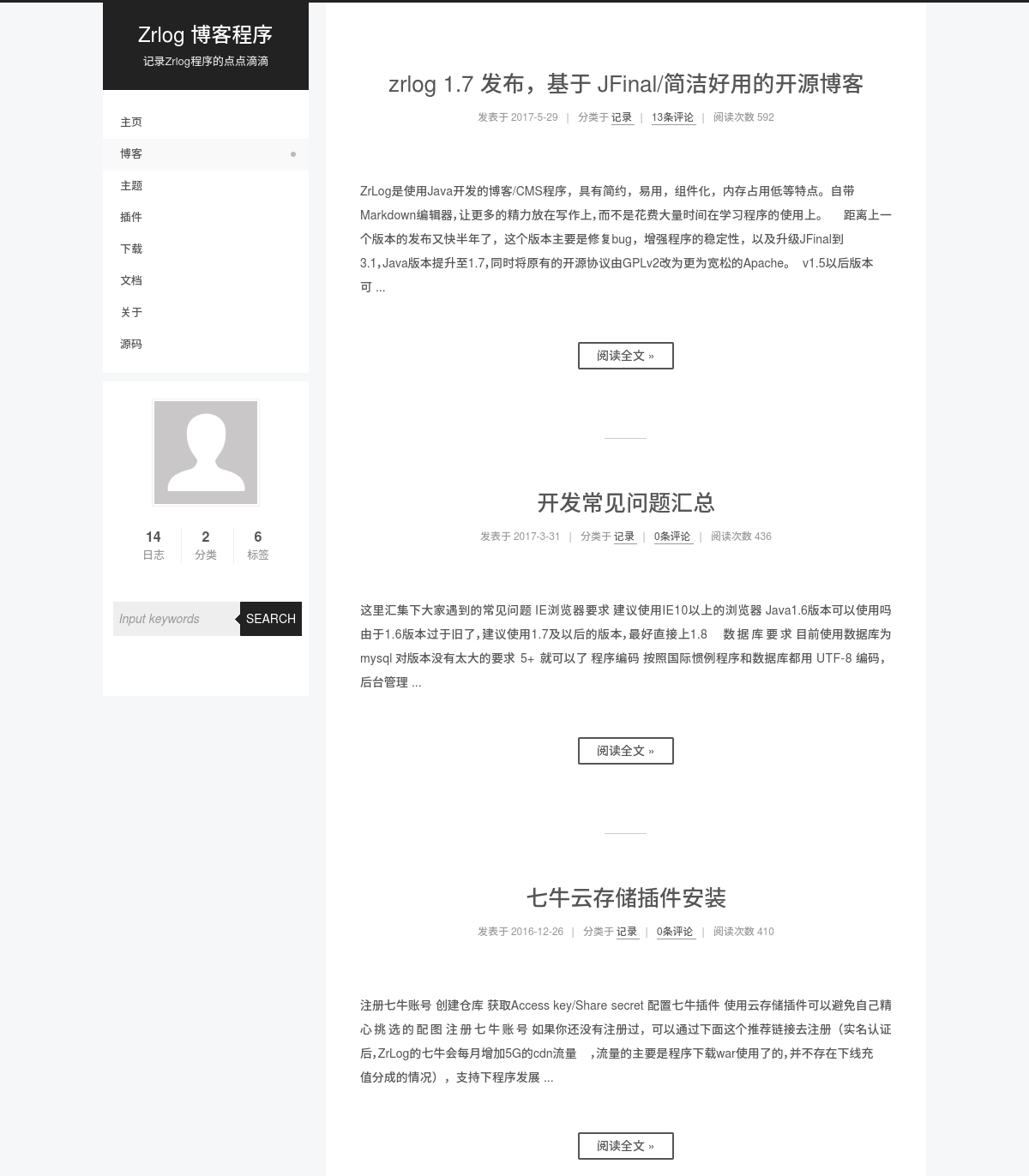
Hexo NexT style with two-column layout and dark mode
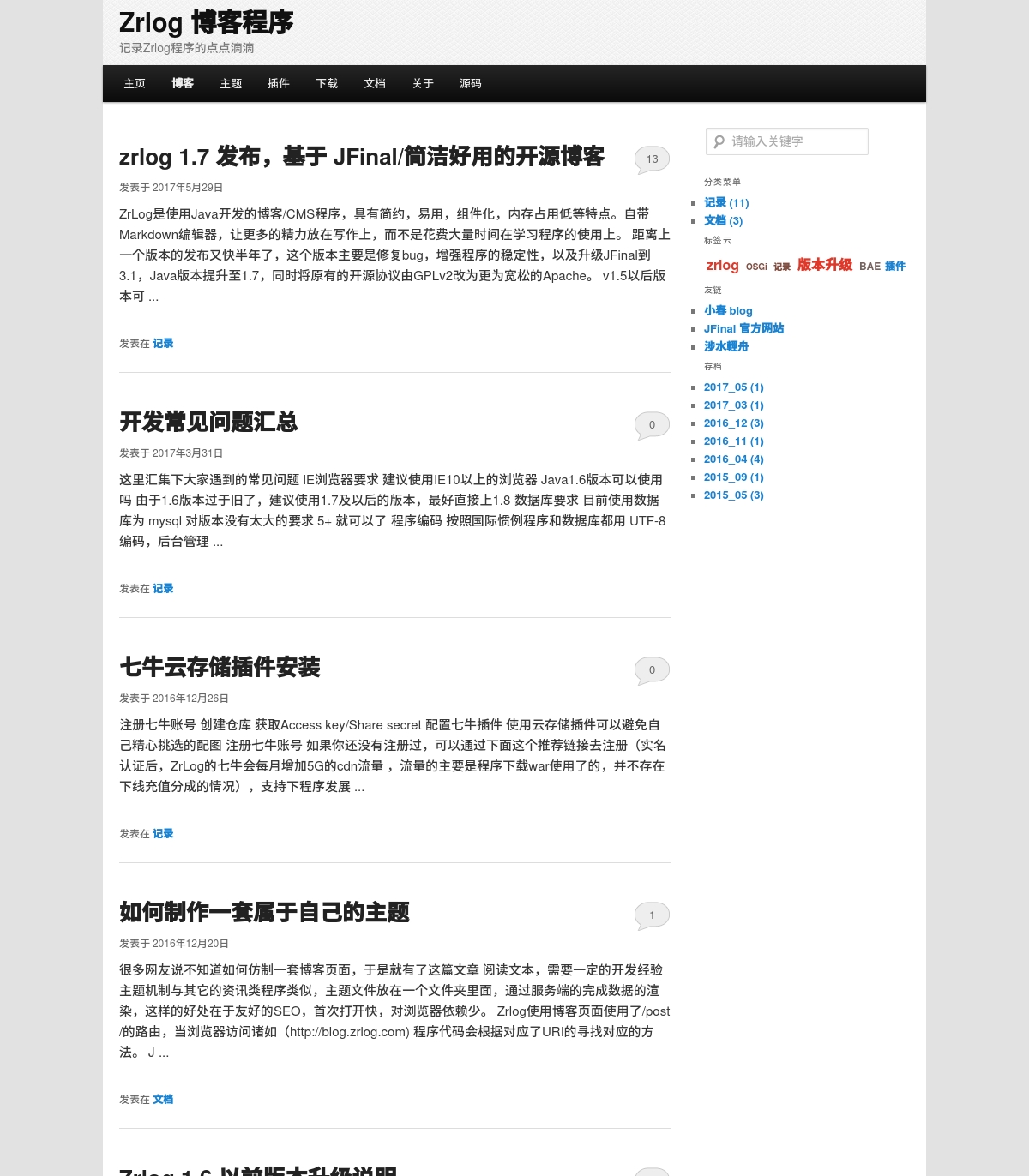
Clean typography optimized for long-form reading
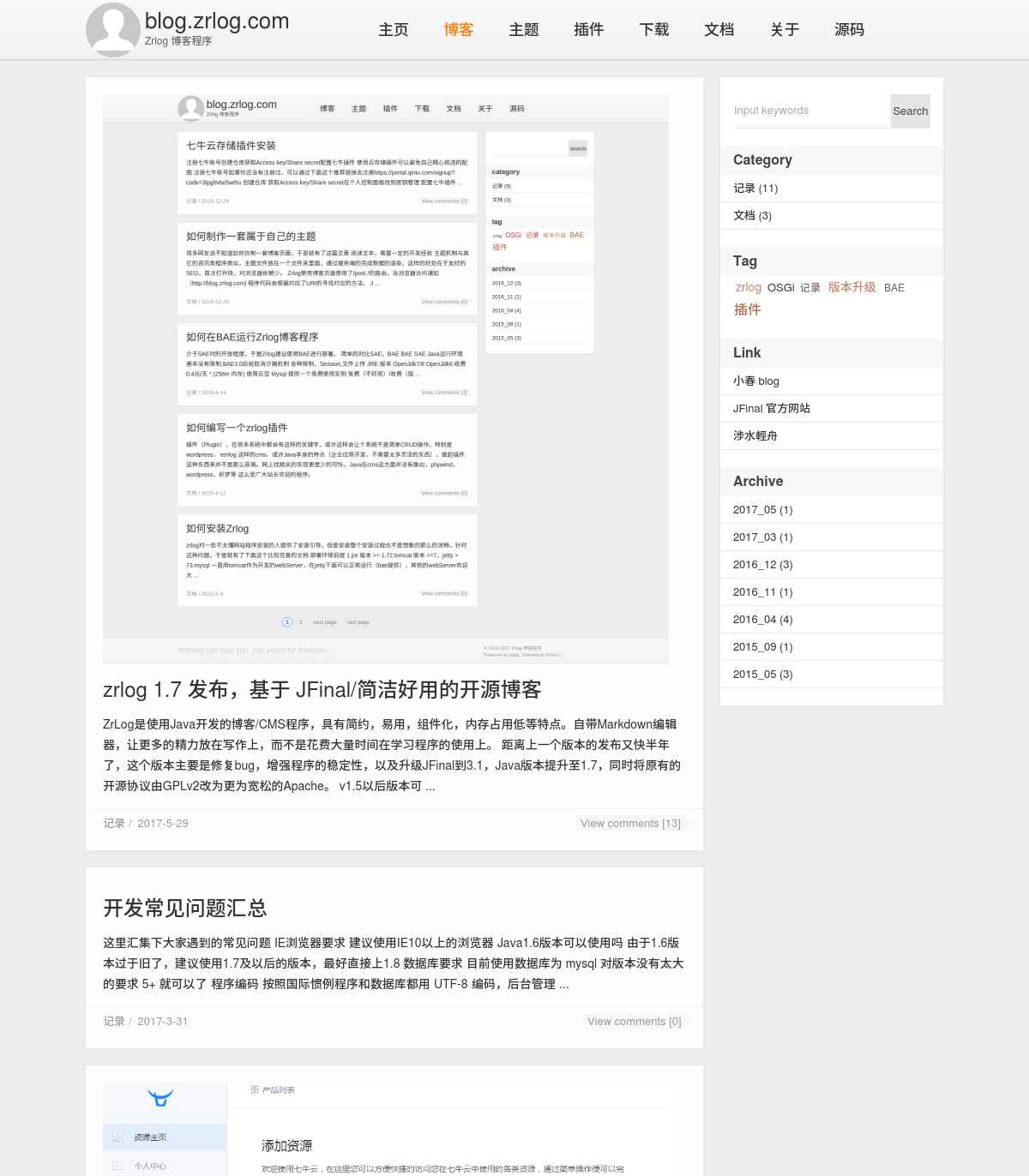
Classic two-column layout with archive sidebar
FAQ
Answers about setup, databases, AI-assisted writing, and long-term maintenance.
ZrLog is for users who want to build and maintain a blog and keep writing, publishing, and managing its content over time.
For local use, start with Native + SQLite. Use Generic ZIP if JDK 11+ is already available. For a long-running server, use Docker Compose + MySQL. Other deployment options are listed on the download page.
Native and Generic ZIP can use SQLite or an external MySQL database. The official Docker Compose setup uses MySQL 8. Cloudflare D1 is limited to its corresponding advanced deployment path.
The configurable article assistant can suggest titles, organize summaries, and polish drafts. You still edit, review, and publish the article.
Use the database backup plugin, online upgrades, and static page generation as needed. Before upgrading, review backup status and risk notices; choose caching or a CDN based on traffic and deployment.
Download the package for your environment, or explore the writing and admin interface in the live demo.